Getting started
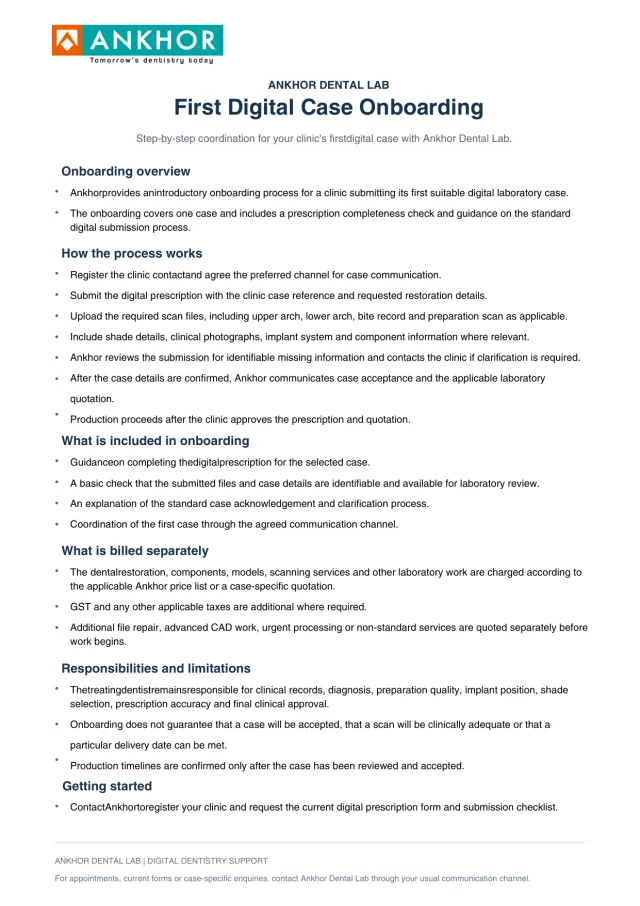
First Digital Case Onboarding
Step by step for your first digital case with us: registering, sending the prescription and scans, and what happens before production starts.
One-page guides from the lab on file checks, scanning, scanbodies, checklists, team training and case updates, plus prescription forms you can fill online and send on WhatsApp.
Most delays in a laboratory case come from small gaps: a missing bite record, a preparation scan with holes, an implant platform not written on the prescription, or files we cannot match to a case. Each gap means a call back to your clinic before we can start.
These one-page guides show exactly what we check and what to send, so your case is complete the first time. Print them for the clinic, share them with your scanning assistant, or keep them on your phone.
New to sending digital cases? Start with First Digital Case Onboarding and the Preparation and Impression Checklist. No scanner at your clinic? Book a scan with our team.
Register your clinic once and tell us how you want case messages: email or WhatsApp Business.
Upper and lower arch, bite record and preparation scan, with shade, photos and implant details where needed.
We review the files, ask about anything missing, then confirm acceptance and the quotation.
Work starts after your approval. You get an update when the case is ready and when it is dispatched.
Pick a topic, or scroll to see all 10. Every guide is a single A4 page.
Sending your first digital case to Ankhor.
Step by step for your first digital case with us: registering, sending the prescription and scans, and what happens before production starts.
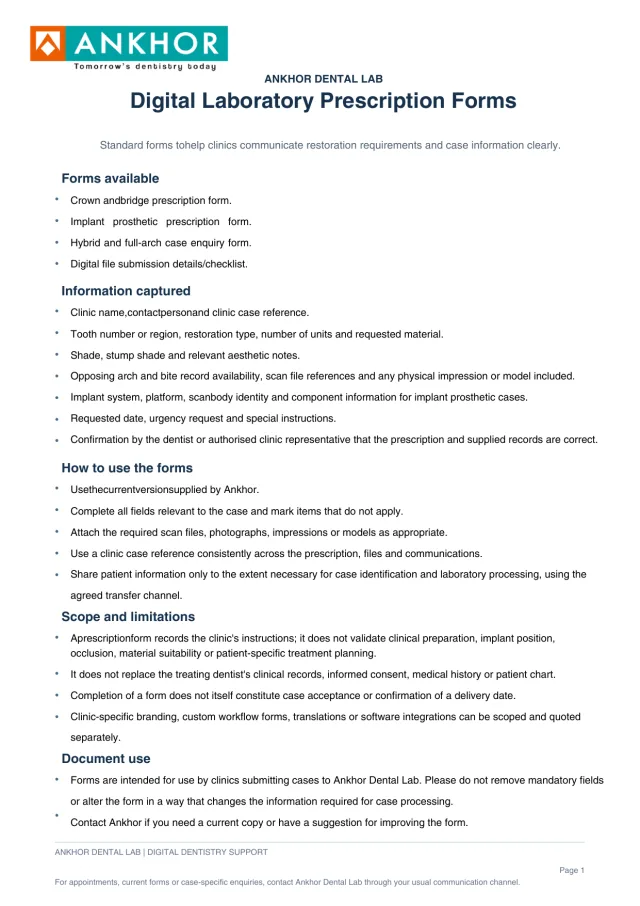
Our crown and bridge, implant and full-arch forms: what each one asks for and how to fill them so the case is clear the first time.
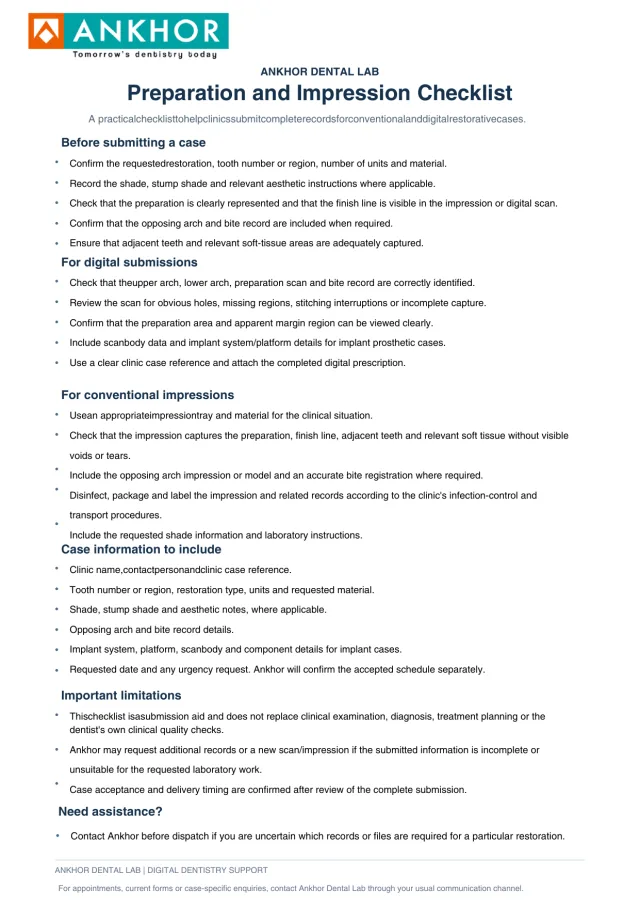
What to check before you send a case: shade, finish line, opposing arch and bite, for both digital scans and conventional impressions.
Scans, STL files and scanbodies.
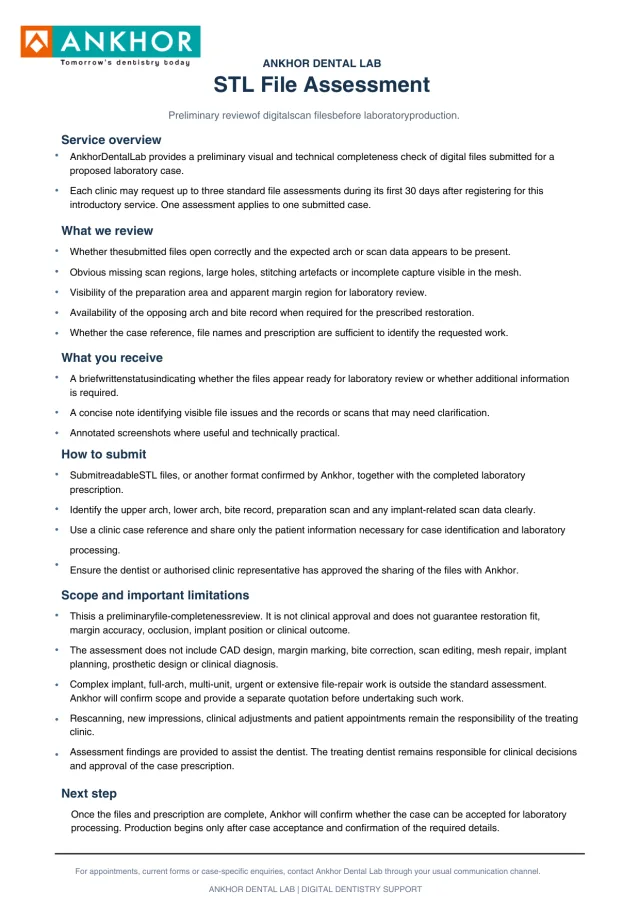
We check that your STL files open, the arches and bite are there, and the prep area is clear, then tell you if the case is ready or what is missing.
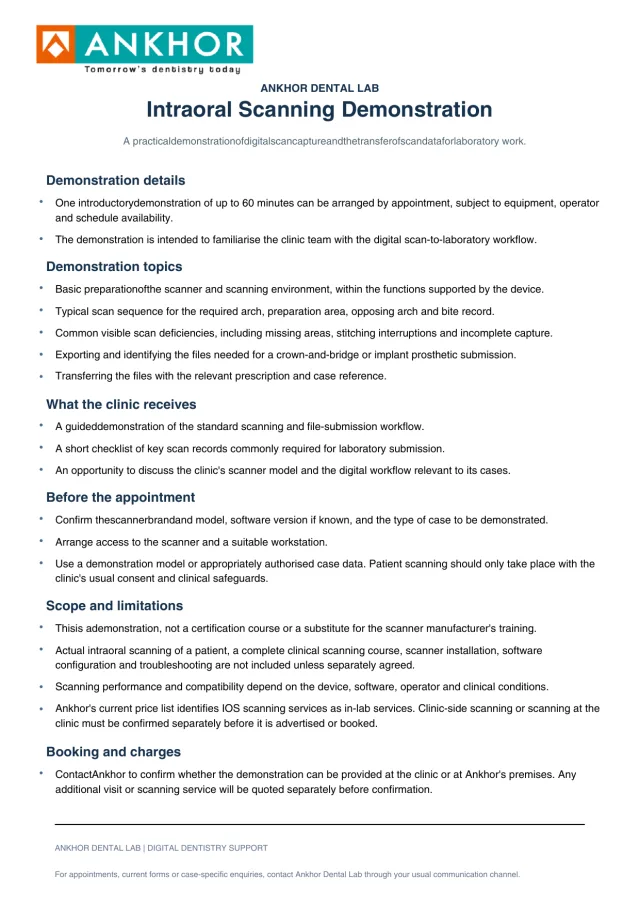
A 60-minute demo of the scan sequence, common gaps in a scan, and exporting the files we need for crown, bridge and implant work.
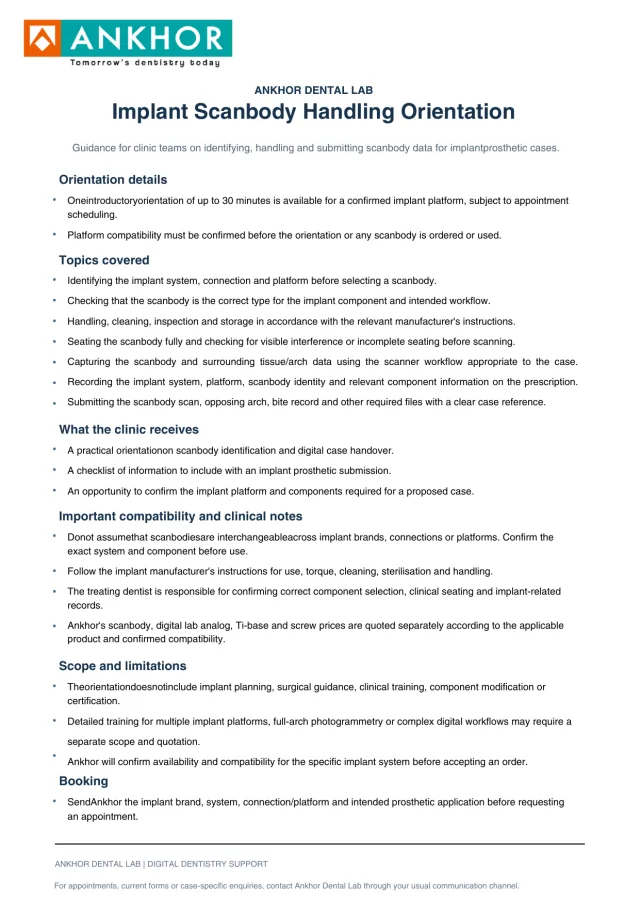
30 minutes on choosing the right scanbody for the platform, seating and scanning it, and what to write on an implant prescription.
Sessions for dentists and clinic staff.
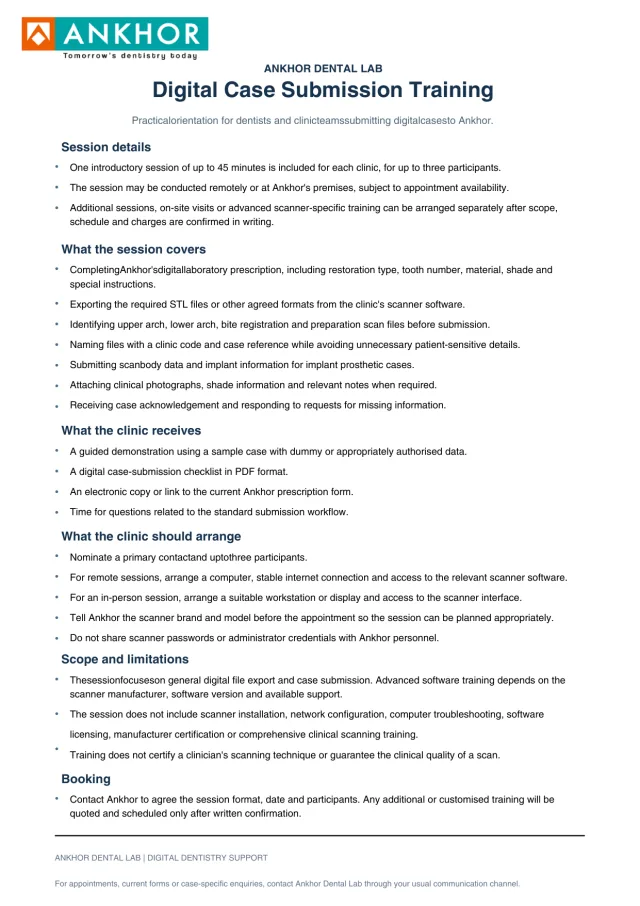
A 45-minute session for up to three of your team: filling the prescription, exporting STL files from your scanner and sending a case to us.
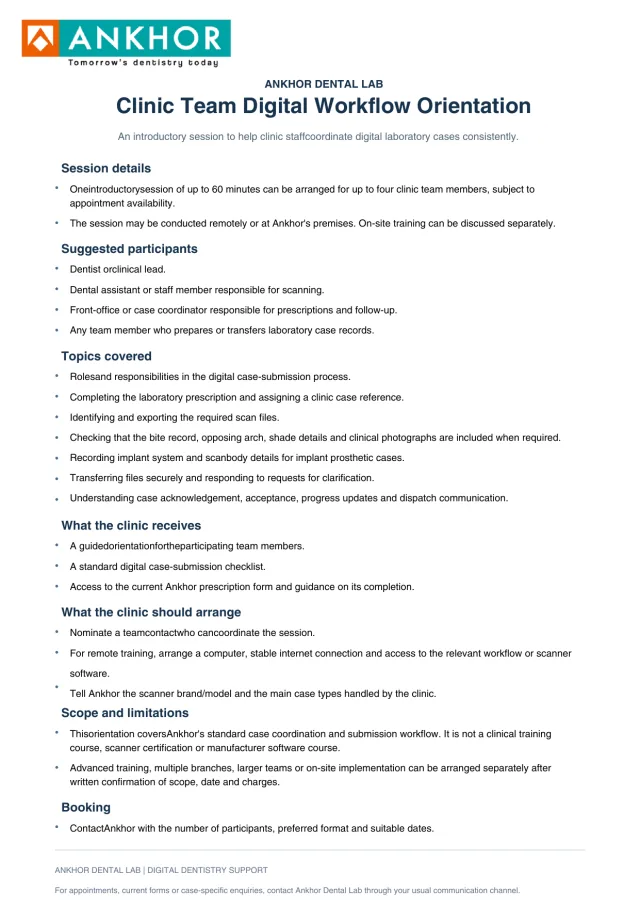
A 60-minute session for up to four of your staff on who does what: prescriptions, scan files, bite records, implant details and follow-up.
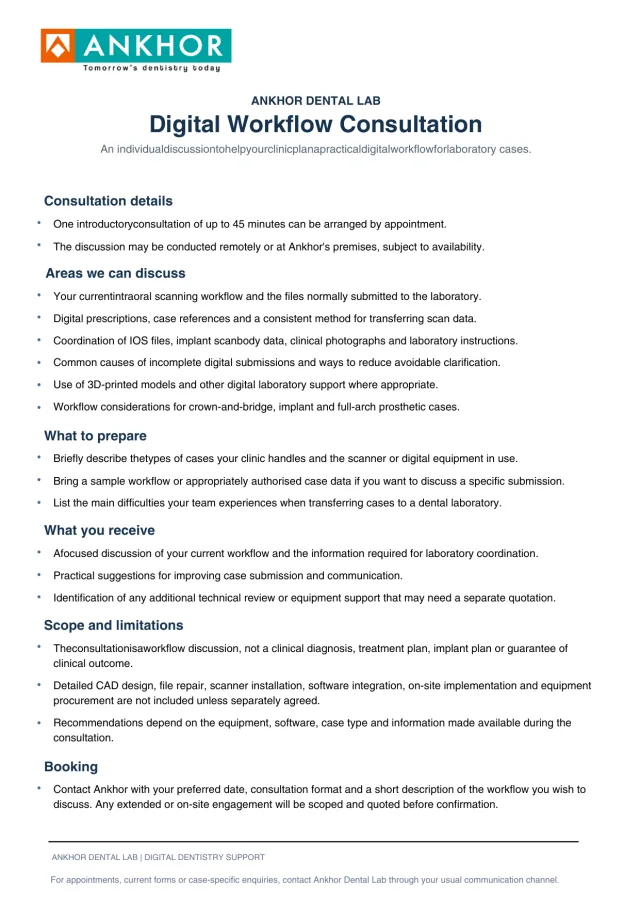
A 45-minute talk about how your clinic scans, names and sends cases, with practical steps to cut down back-and-forth with the lab.
What happens once the case reaches us.
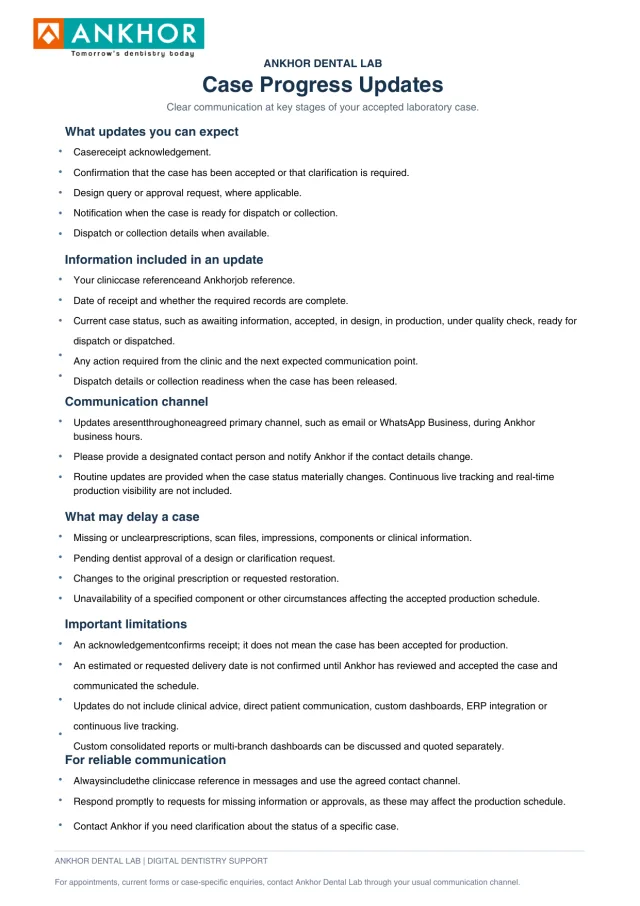
The updates you get from receipt to dispatch, what each one tells you, and the common things that can delay a case.
Tell us the case type and your scanner, and we will tell you which records and files to send, or book a session for your team.
Fill a form online and send it to the lab on WhatsApp, or download the fillable PDF and fill it in any PDF app or by hand.
 Fill online
Zirconia, E.max, PFM, provisionals, attachments, models and splints, with a tooth chart.
 Fill online
Implant system, platform, scanbody, retention and components for implant crowns and bridges.
 Fill online
Framework, teeth, Malo concept and multi-unit details for full-arch and segmental hybrids.
 Fill online
Tick the scan files and quality checks you are sending. Use it with any prescription above.
Seven of the guides describe an introductory service you can book with the lab. Here is how long each one runs and who it is for.
Extra sessions, on-site visits, advanced scanner training and all laboratory work are quoted separately and confirmed with you before they are booked.
| Service | Length | Details |
|---|---|---|
| STL File Assessment | Up to 3 cases | In your first 30 days after registering |
| First Digital Case Onboarding | 1 case | Your first suitable digital case |
| Digital Case Submission Training | Up to 45 min | Up to 3 people · remote or at the lab |
| Digital Workflow Consultation | Up to 45 min | Remote or at the lab |
| Clinic Team Digital Workflow Orientation | Up to 60 min | Up to 4 team members · remote or at the lab |
| Intraoral Scanning Demonstration | Up to 60 min | By appointment |
| Implant Scanbody Handling Orientation | Up to 30 min | For one confirmed implant platform |
Go to Prescription forms on this page and press Fill online on the form you need: type the details, tap the teeth and tick the products, then press Send on WhatsApp. The prescription reaches the lab as a message, and you attach your scans in the same chat. You can also download a filled PDF, or download the blank fillable PDF and fill it in any PDF app or by hand.
Yes. All ten PDFs are free to read online, download, print and share with your clinic team. You do not need to sign up.
Dentists, clinic leads, scanning assistants and front-office staff who prepare or send laboratory cases to Ankhor Dental Lab.
Readable STL files, or another format confirmed by Ankhor, together with the completed laboratory prescription. Label the upper arch, lower arch, bite record and preparation scan clearly. See the STL File Assessment PDF.
The scanbody scan, opposing arch and bite record, plus the implant brand, system, connection or platform and scanbody details on the prescription. Scanbodies are not interchangeable across brands, so confirm the exact system first. See the Scanbody Handling PDF.
Call or WhatsApp the lab with the session you want, your scanner brand and model, the number of people and a few suitable dates. We confirm the format, date and any charges before the session.
We send updates through one agreed channel, such as email or WhatsApp Business: when we receive the case, when it is accepted or needs clarification, and when it is ready or dispatched. See the Case Progress Updates PDF.
Only what is needed to identify and process the case. Use your clinic case reference in file names and messages instead of unnecessary patient details.
Call or WhatsApp the lab to book a session or ask about any of the guides.
No. 5, Thilak Street, T.Nagar, Chennai-17
Mon–Fri 9 am – 9 pm · Sat 10 am – 8 pm